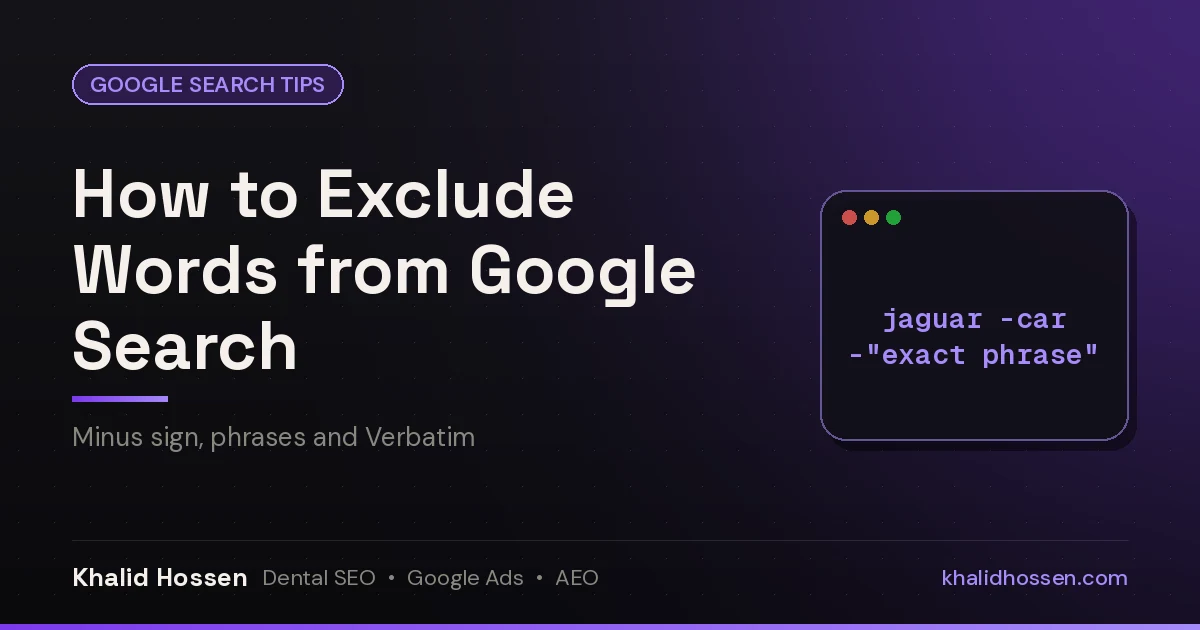
Quick answer: To exclude a word from Google search, type a minus sign directly in front of it, with no space: jaguar speed -car. To exclude a whole phrase, put it in quotes after the minus: healthy recipes -"air fryer". To exclude several words, add a minus before each one: python tutorial -snake -django. If you'd rather not remember operators, use the none of these words field on Google's Advanced Search page.
This is the operator I reach for most when I'm doing keyword research for dental and home-service clients. Search "crown" and you get royalty, dental crowns and a beer brand all mixed together. One minus sign fixes that. Here's every way to do it, and what to try when Google seems to ignore you.
The minus sign works well alongside other operators like quotes, site: and before:. See my complete list of Google search operators for how to combine them.
Method 1: The minus sign (-) for single words
Put - immediately before the word you want gone. Google's own help page uses jaguar speed -car as its example (Google Search Help).
| You type | Result |
|---|---|
crown cost -royal -beer |
✅ Drops pages that mention "royal" or "beer" |
crown cost - royal |
❌ With a space, Google treats "-" as punctuation and still searches "royal" |
crown cost –royal |
❌ An en dash (–) isn't the minus key. Word processors and phones sometimes swap it in |
Tip: if you copy queries out of a document, retype the minus sign. Auto-formatting often turns - into – or —, and Google ignores those.
Method 2: Exclude an exact phrase with -"quotes"
Wrap the phrase in quotes and put the minus outside the opening quote:
teeth whitening at home -"baking soda"
This removes pages containing that exact phrase. Pages that only say "baking" or only say "soda" stay in.
Method 3: Exclude several words at once
There's no group syntax for exclusions. Each word or phrase needs its own minus sign:
apple recipes -pie -cider -"apple juice"
You can mix minus with other operators too. For example, (dentist OR orthodontist) reviews -yelp searches either profession and drops anything that mentions Yelp.
Method 4: Google Advanced Search, "none of these words"
- Search for anything, then select Tools → Advanced Search, or open google.com/advanced_search.
- Put your main terms in all these words.
- Type the words to leave out in none of these words, separated by spaces.
- Select Advanced Search. Google builds the minus-sign query for you.
This method is the easiest one for teams and less technical staff.
Method 5: Stop Google from bringing words back with Verbatim
Google sometimes reinterprets your query. It adds synonyms, corrects spelling or matches related words. If excluded meanings keep creeping back:
- Run your search, select Tools → All results → Verbatim.
- Or put your must-have words in quotes:
"implant" cost -"dental tourism".
Why isn't my minus sign working?
This is the #1 complaint about this operator. You'll even find a Google Support thread titled "Why can't I exclude words from a search?" ranking for it. The usual causes:
- There's a space after the minus.
-carworks.- cardoesn't. - It's a dash, not a minus. Retype the
-on your keyboard. - Variants and synonyms.
-carwon't always remove "cars" or "automobile". Exclude the variants too:-car -cars -automobile. - The word is in a link or a snippet Google wrote. Exclusion works on the page content Google indexed. Ads, AI Overviews and other SERP features can still show the word.
- You excluded something that's also in your main query.
-dentist dentist near mecancels itself out.
Exclude words vs. exclude websites
| Goal | Syntax | Guide |
|---|---|---|
| Drop pages that mention a word | -word |
This page |
| Drop pages that contain a phrase | -"exact phrase" |
This page |
| Drop every page on a website | -site:example.com |
How to exclude a website from Google search |
| Drop or keep a file format | -filetype:pdf / filetype:pdf |
How to search Google by filetype |
How marketers use exclusions
- Clean keyword research.
dental implants -jobs -salary -schoolremoves career searches so you can see patient-intent results. - Competitor research.
"emergency plumber" denver -angi -yelp -thumbtackshows which local businesses rank, rather than directories. - Negative keyword ideas for Google Ads. The words you keep excluding in your own research are often the same words you should add as negative keywords in your campaigns. I cover this in my PPC basics guide, and it's part of every Google Ads audit I run.
- Content gaps. Exclude the angle every top result already covers to find the questions nobody answers well. That fits straight into keyword research for SEO.
Related Google search guides
- Google search operators: the full, current list with examples.
- How to exclude a website from Google search: hide entire domains with
-site:. - How to search Google by filetype: find only PDFs, Word documents or spreadsheets.
- How to check if a link redirects: trace where a link really lands.
FAQ
How do I exclude a word from a Google search?
Type a minus sign directly before the word, with no space, for example jaguar speed -car. Google removes results that contain that word.
How do I exclude multiple words in Google?
Add a minus sign before each word: recipe -pie -cake -cookies. There's no shortcut that excludes a group with one minus sign.
How do I exclude an exact phrase from Google search?
Put the phrase in quotes with the minus outside them: -"free trial". Only pages containing that exact phrase are removed.
Why does Google ignore my minus sign?
The usual reasons are a space after the minus, an en dash (–) instead of a minus (-), or Google matching variants you didn't exclude. Retype the minus, exclude plurals and synonyms too, or turn on Verbatim under Tools.
Is there a "do not include" option in Google search?
Yes. On Google's Advanced Search page, enter the words in the none of these words field. It does the same job as the minus sign.
Can I exclude words on the Google mobile app?
Yes. The minus sign works the same way in the Google app and in mobile browsers. Just watch for your keyboard swapping in a dash.
Khalid Hossen has worked in SEO and Google Ads for 14+ years and has served 150+ dental & local service businesses. Want to know which searches are bringing in the wrong traffic, or wasting ad spend? Get a free audit.