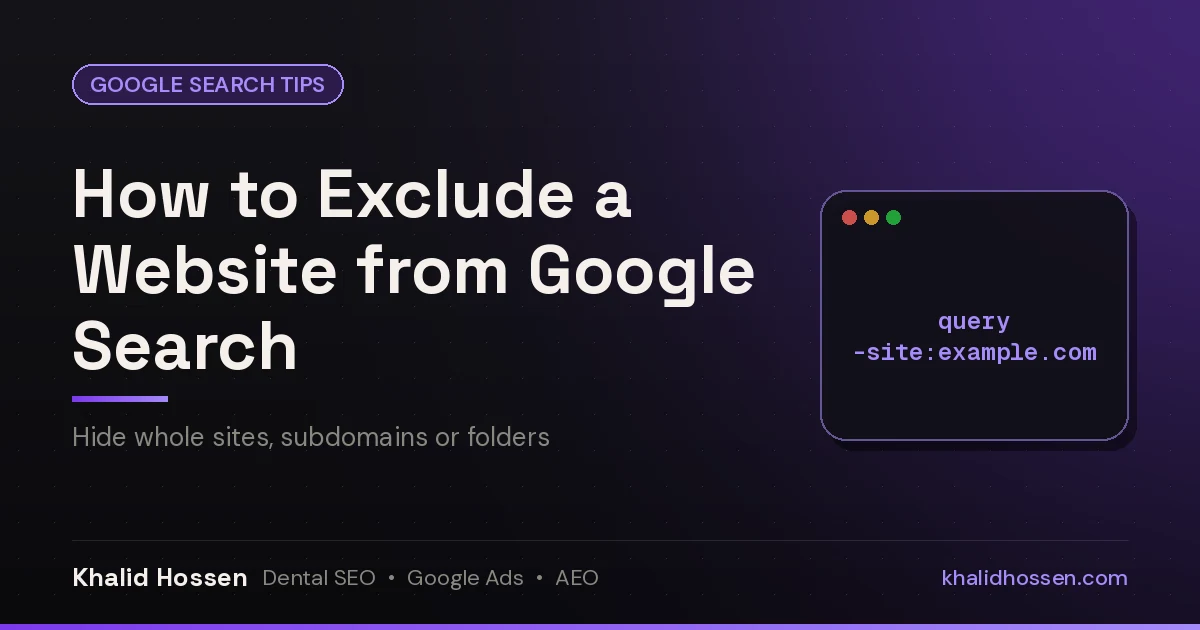
Quick answer: To exclude a website from Google search, add a minus sign and the site: operator to the end of your query, with no spaces: best running shoes -site:amazon.com. Google drops every page from that domain. To exclude several sites, repeat it: -site:amazon.com -site:walmart.com. On a desktop you can also use Google's Advanced Search page. Want your own page removed from Google instead? That's a different job. Use the Removals tool in Search Console and a noindex tag (see the site-owner section).
I've spent 14+ years in SEO, and -site: is one of the operators I use every day. I use it to see who else ranks for a dental keyword without the big directories in the way, and to check what a client's competitors look like once Yelp and Healthgrades are gone. It takes about two seconds once you know the syntax. Most guides get one detail wrong, though, and that detail is why it "doesn't work" for a lot of people.
-site: is one of several Google search operators that still work. My full list also shows which ones Google has retired.
The -site: operator, step by step
- Type your normal search, for example
pediatric dentist tips. - Add a space, then
-site:and the domain, for example-site:pinterest.com. - Press Enter. The full query is
pediatric dentist tips -site:pinterest.com.
The rule most people miss: there's no space after the colon, and no space between the minus sign and site. Google's own help page says site:nytimes.com works but site: nytimes.com won't (Google Search Help).
| You type | What happens |
|---|---|
coffee grinder -site:amazon.com |
✅ Hides every page on amazon.com and its subdomains |
coffee grinder - site:amazon.com |
❌ The space breaks the operator |
coffee grinder -site: amazon.com |
❌ The space after the colon breaks it |
coffee grinder -amazon.com |
⚠️ Removes pages that mention "amazon.com", not pages on Amazon |
Exclude multiple websites at once
Repeat the operator once for each site, separated by spaces:
best crm for dentists -site:capterra.com -site:g2.com -site:reddit.com
There's no "OR" shortcut for exclusions. Each site needs its own -site:. Keep the list short. Google ignores words past roughly the 32nd in a query, so a long exclusion list can quietly stop working.
Exclude a subdomain, a folder or a single page
site: accepts a domain, a subdomain or a URL prefix, according to Google Search Central. So you can be precise:
| Goal | Query |
|---|---|
| Whole domain, including subdomains | -site:example.com |
| Only one subdomain | -site:blog.example.com |
| Only one section of a site | -site:example.com/forum |
| A whole top-level domain | -site:.gov |
Excluding a section is handy on big sites. For example, -site:reddit.com/r/memes hides one subreddit but keeps the rest of Reddit.
Use Google Advanced Search
- Run any search, then select Tools under the search box and choose Advanced Search. You can also go straight to google.com/advanced_search.
- Type your search words in all these words, followed by
-site:example.com. - Use the other fields to narrow it further: language, last update, file type and so on.
- Select Advanced Search.
Note that the site or domain field limits results to one site. It doesn't exclude one. So for exclusions you still need the -site: operator, typed into the search box or into the Advanced Search form.
Excluding sites on your phone
The operator works the same way in the Google app and in mobile browsers. Type -site:example.com after your query. The one difference is that the Advanced Search link is buried in mobile menus, so the operator is faster.
Why an excluded site still shows up
- There's a space in the operator. This is the most common reason. Check that it reads
-site:domain.com. - The result is a SERP feature, not an organic result. Ads, AI Overviews, "Things to know" and People Also Ask boxes can still quote or link to the site.
- It's a different domain.
youtube.comandyoutu.beare different hosts. So are country versions likeamazon.co.uk. - Google is rewriting your query. Wrap your main term in quotes or switch on Tools → All results → Verbatim to stop it.
Can you block a website from Google permanently?
Not inside Google Search itself. Google retired its personal site-blocking feature years ago. Your options:
- Save a search with your exclusions as a browser bookmark or a custom search shortcut. In Chrome, go to Settings → Search engine → Manage search engines and add a shortcut whose URL includes your
-site:list. - Build a Programmable Search Engine. Google's Programmable Search Engine lets you choose which sites are included or excluded, then gives you a private search page.
- Browser extensions can hide results from chosen domains. They're third-party tools, so check what data they can read before you install one.
Why SEOs and business owners exclude sites
- See the real competition. Searching
dentist chicago -site:yelp.com -site:healthgrades.com -site:zocdoc.comstrips the directories out so you can see which practices actually rank. - Find content gaps. Exclude the top result to see who else Google trusts for the topic.
- Monitor brand mentions.
"Your Practice Name" -site:yourpractice.comshows what other sites say about you. - Research without the noise. Drop marketplaces, aggregators or sites you've already read.
If you want a second opinion on who you're really up against in your area, my free AI Search + Google Ads Visibility Audit includes a look at the local results for your main services.
Want to remove your own website or page from Google?
-site: only changes your results. Everyone else still sees the site. If you own a page and want it gone from Google for everyone, use the site-owner tools Google documents in Remove a page hosted on your site from Google:
- Fast, temporary hide: in Google Search Console, open Removals → New request. It hides the URL for about six months.
- Permanent removal: delete the page so it returns a 404 or 410, password-protect it, or add
<meta name="robots" content="noindex">and let Google recrawl it. - Don't block it in robots.txt only. A page that's blocked from crawling can stay indexed, because Google can't see your noindex tag.
- Someone else's page about you: for personal contact details, use Google's "Results about you" tool. For outdated content, use the Refresh Outdated Content tool.
If you're cleaning up old pages after a redesign, my SEO website migration checklist covers 410s, redirects and sitemaps in order.
Related Google search guides
- Google search operators: every operator that still works, and the retired ones to skip.
- How to exclude words from Google search: use the minus sign for words and phrases instead of whole sites.
- How to search Google by filetype: find only PDFs, spreadsheets or slide decks.
- How to check if a link redirects: see where a URL really goes before you click or link to it.
FAQ
How do I exclude a website from Google search results?
Add -site: and the domain to your query with no spaces, for example budget laptops -site:amazon.com. Google then hides every page from that domain and its subdomains.
How do I exclude multiple sites from a Google search?
Repeat the operator for each one: query -site:site1.com -site:site2.com -site:site3.com. Each site needs its own -site:. There's no OR shortcut for exclusions.
Why isn't -site: working in Google?
The usual cause is a space, either after the minus sign or after the colon. Write it as -site:example.com. Ads, AI Overviews and other SERP features can still show the site, because the operator filters organic results.
Can I permanently block a website from my Google results?
Google Search has no built-in permanent block. You can save a bookmarked search with your -site: list, create a Programmable Search Engine that excludes the sites, or use a browser extension.
How do I remove my own website from Google search?
Use Search Console's Removals tool for a quick temporary hide. Then make it permanent with a noindex tag, a 404/410 status or password protection. Don't rely on robots.txt alone.
What's the difference between -site: and excluding a word?
-site:example.com removes pages hosted on that domain. -example removes pages that contain the word "example" anywhere. For words and phrases, see how to exclude words from Google search.
Khalid Hossen has worked in SEO and Google Ads for 14+ years and has served 150+ dental & local service businesses. He helps dental practices and home service companies get found on Google, in Google Maps and in AI answers. See how he works or get a free audit.